

WordPress Automation · Principal Engineering
Automated WordPress
deployment, done right.
Stop deploying WordPress by hand. Git-based pipelines, tested releases, zero downtime, and automatic rollback, engineered by a principal US-based engineer with 28 years of production experience. A principal-led team builds the pipeline and stands behind it.

The midnight-SFTP problem
Most WordPress sites are still deployed the same way they were in 2010 — somebody edits a file, drags it over SFTP, and refreshes the page hoping nothing broke. There is no staging, no version history, no test, and no undo. The result is a site that everyone is a little afraid to touch, where the smallest change is a held breath. Automated deployment removes the fear by removing the human from the risky part.
What gets built
Your site goes under version control with Composer-managed plugins and themes, so every change is tracked and reproducible. A staging environment is stood up to mirror production exactly. A CI/CD pipeline runs on every push — it validates the build, runs checks, syncs the database and media safely, and releases with an atomic, zero-downtime swap. If a release fails its health check, it rolls back on its own. Backups run before every deploy.
The principal-engineer difference
Deployment automation is exactly the kind of work that goes wrong when it is handed to a junior bench or split across disconnected vendors, a half-configured pipeline is more dangerous than no pipeline, because it fails silently. Champlin Enterprises removes those layers. A principal-led team with 28 years of production experience designs the pipeline, builds it, tests it against real failure modes, and operates it. The deploy works because the team that built it has built production systems for nearly three decades.
Where we work
Remote-first and Illinois-based, serving Fortune 500 businesses nationwide and regional businesses across Chicagoland, Lake County, the North Shore, and the Illinois Valley. Remote-first when remote works, on-site when on-site matters.
What you get
What this looks like in practice
Git-based deploys
Every change tracked, reviewable, and reversible. The deploy is a commit, not a memory of which files to drag where.
Zero-downtime releases
Atomic symlink swaps and health checks mean visitors never see a half-deployed site or a white screen of death.
Staging that matches production
Test the real change against a real mirror before it touches the live site. No more "it worked on my machine."
Automatic rollback & backups
A failed release reverts itself, and a backup runs before every deploy. The worst case is a thirty-second blip, not a lost weekend.
Proof of work
Products we’ve built
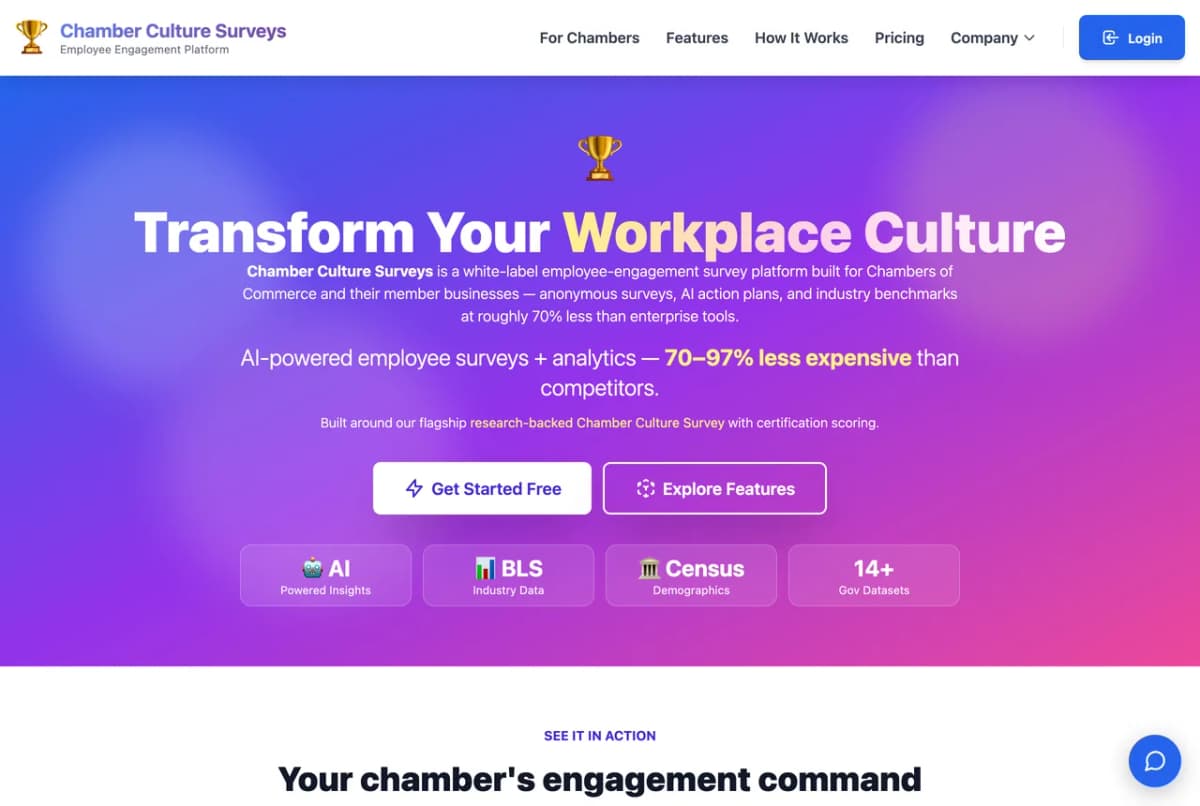
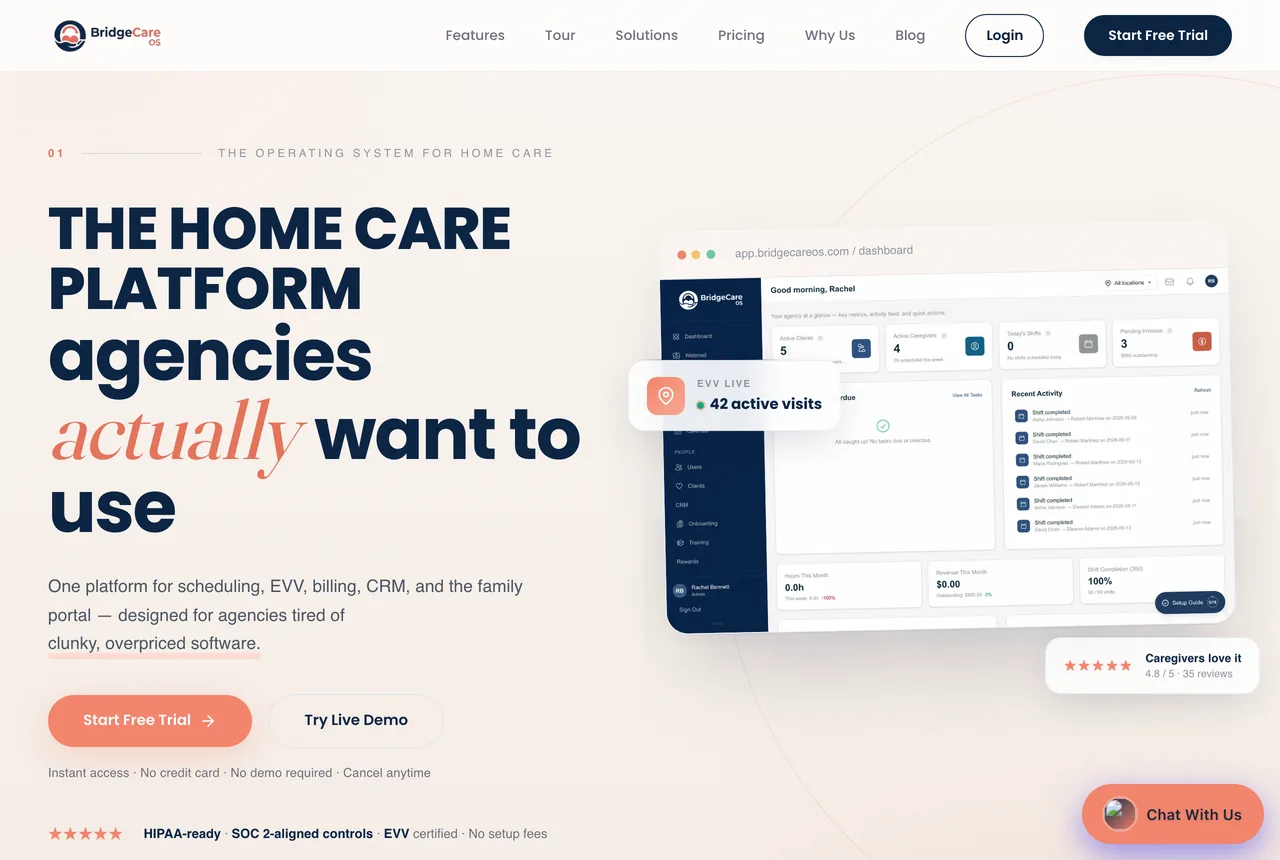
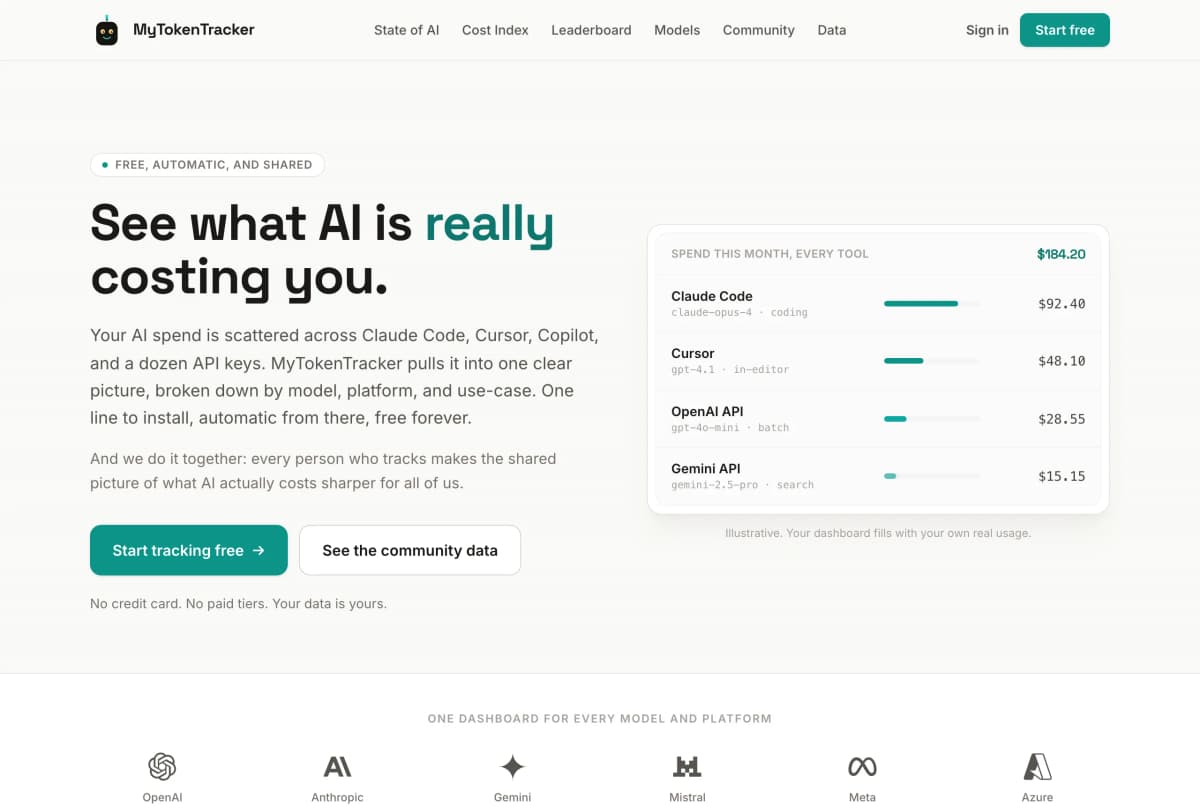
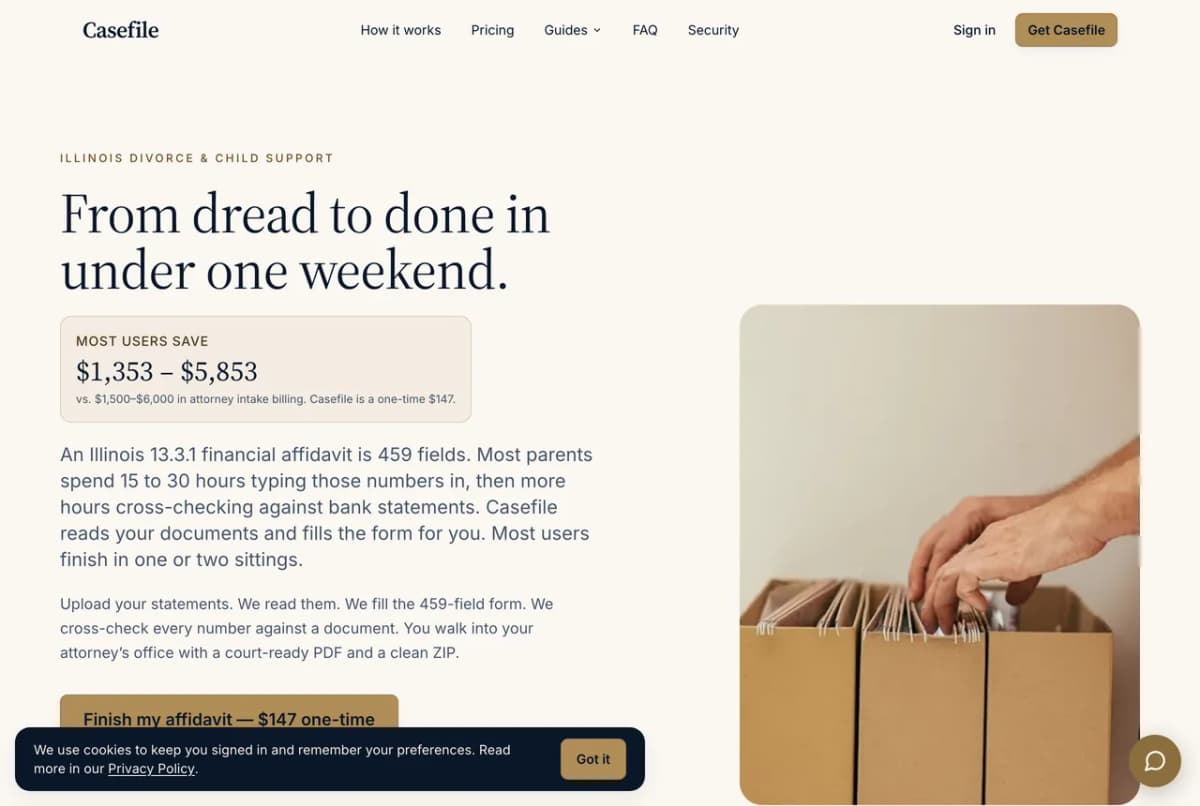
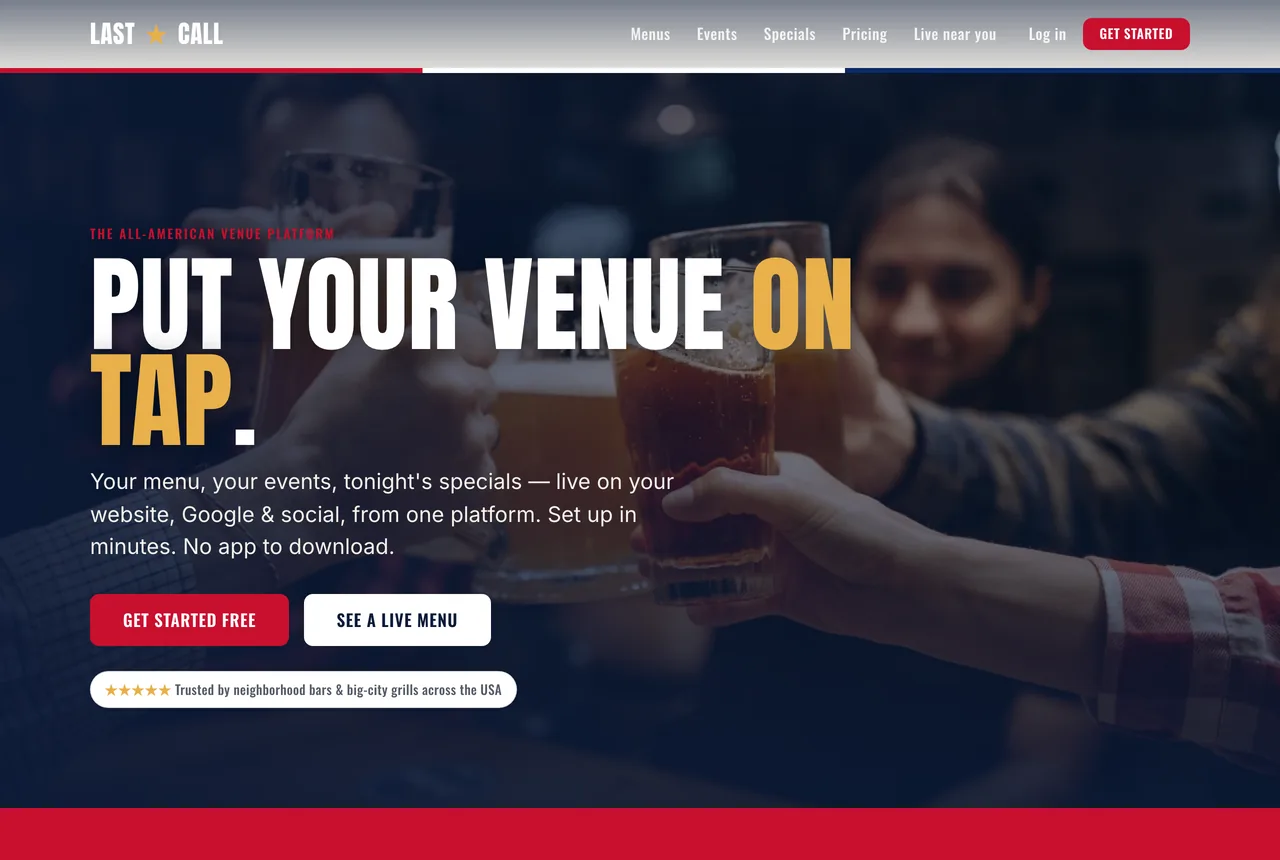
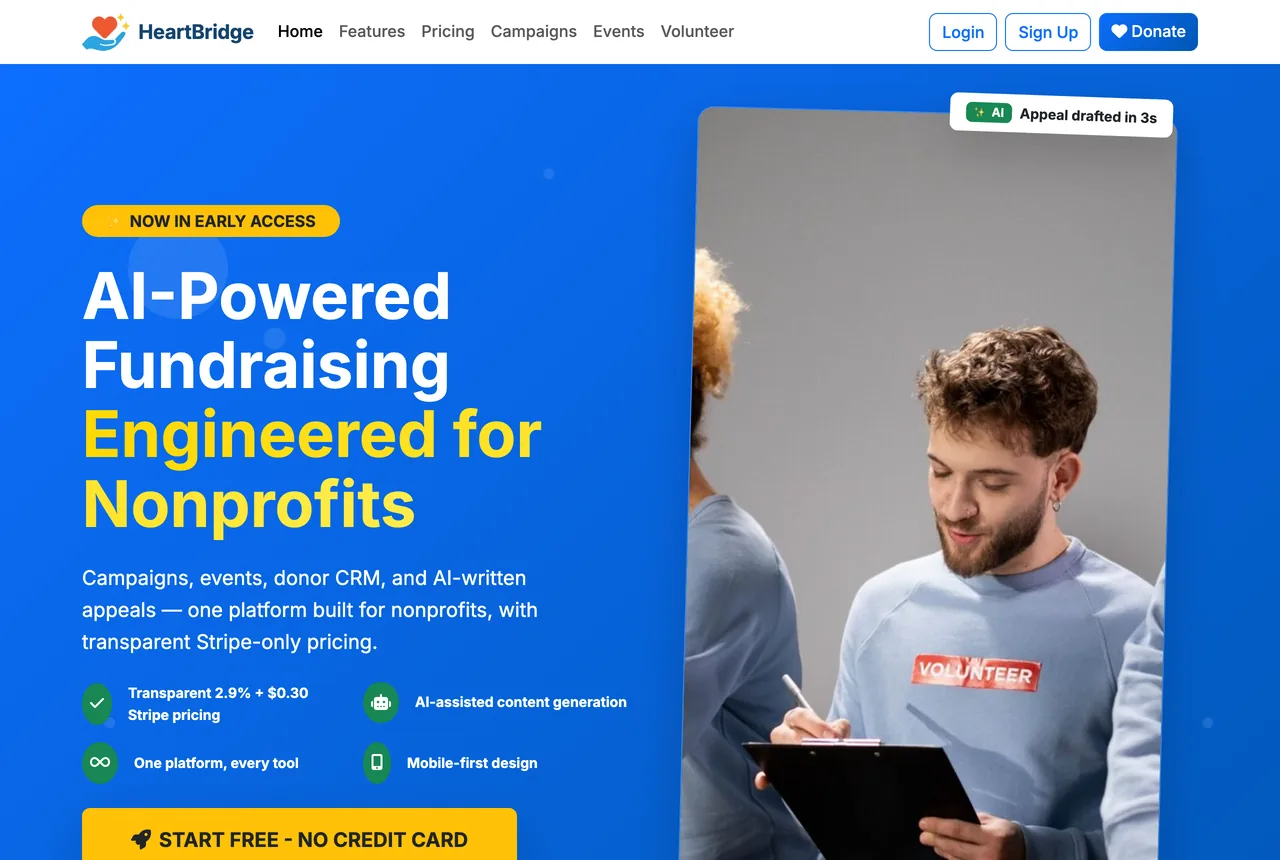
Every product below was built by our principal-led team, designed, architected, and launched without a PM layer or an agency markup.
Trusted by







FAQ
Frequently asked questions
What does automated WordPress deployment actually mean?
It means the path from a code change to your live site is a pipeline, not a person dragging files over SFTP at midnight. A commit is pushed, the pipeline runs tests, builds assets, syncs the database and uploads safely, and releases the new version with zero downtime — and rolls back automatically if anything fails. The deploy stops being a risky manual ritual and becomes a button.
Why automate it if the site only changes occasionally?
Because the rare deploy is the dangerous one. When releases are manual and infrequent, nobody remembers the exact steps, the staging site has drifted from production, and the one change you finally push live takes down the site during business hours. Automation makes the deploy boring and repeatable, which is exactly what you want from the thing standing between your business and a white screen.
Who actually builds and runs the pipeline?
Led by Kevin Champlin. The same principal-led team that designs the pipeline builds it, wires the CI/CD, and operates it in production. No offshore handoff, no junior learning deployment on your live site.
What tools and hosts do you work with?
Git-based deploys through GitHub Actions or GitLab CI, WP-CLI for database and content operations, Composer for managed plugin and dependency versioning, and rsync or atomic-symlink releases for zero downtime. On hosting: Plesk-managed servers, Kinsta, WP Engine, Cloudways, or your own VPS. The pipeline is built around where the site already lives.
Can you add this to an existing WordPress site without rebuilding it?
Yes — that is the most common engagement. The existing site gets brought under version control, a staging environment is stood up to match production, and the deployment pipeline is layered on top. No rebuild required to stop deploying by hand.
Do you handle multiple sites or a whole WordPress fleet?
Yes. Champlin Enterprises operates a fleet of production WordPress sites on exactly this kind of automation — shared pipelines, centralized updates, monitoring, and backups across many sites at once. If you run several WordPress properties, the per-site cost of doing this right drops sharply.
From SFTP to a button
Deploys that are
boring on purpose.

Who you work with
Kevin Champlin
Founder & Principal Engineer
28 years in production software, from enterprise systems to the SaaS products above. Kevin leads every engagement with our AI engineering team, and the people who scope your project are the ones who build it and pick up the phone after launch. No offshore handoffs. No bait-and-switch.
A softer step
Not sure if you even need this kind of work?
Most businesses don't need a custom build. They need a clear look at where AI would actually pay off first. That's what the Free AI Opportunity Audit is: tell us about your operation and an AI agent we engineered reads your website and emails you, in about two minutes, three concrete places AI quietly pays for itself, a 90-day plan for the first one, and a website health grade. No call needed and no follow-up sales sequence. The audit is yours whether or not we ever work together.
Make your next WordPress deploy a non-event.
A principal-led team builds the pipeline, wires the CI/CD, and operates it in production. The application takes ten minutes.
Free AI audit, emailed in about two minutes. No pitch deck.
Every site we build is built to WCAG 2.2 AA accessibility standards.