

$4.99 once · iPhone · Coming soon
Inkfold, a sketchbook
that opens with the fold.
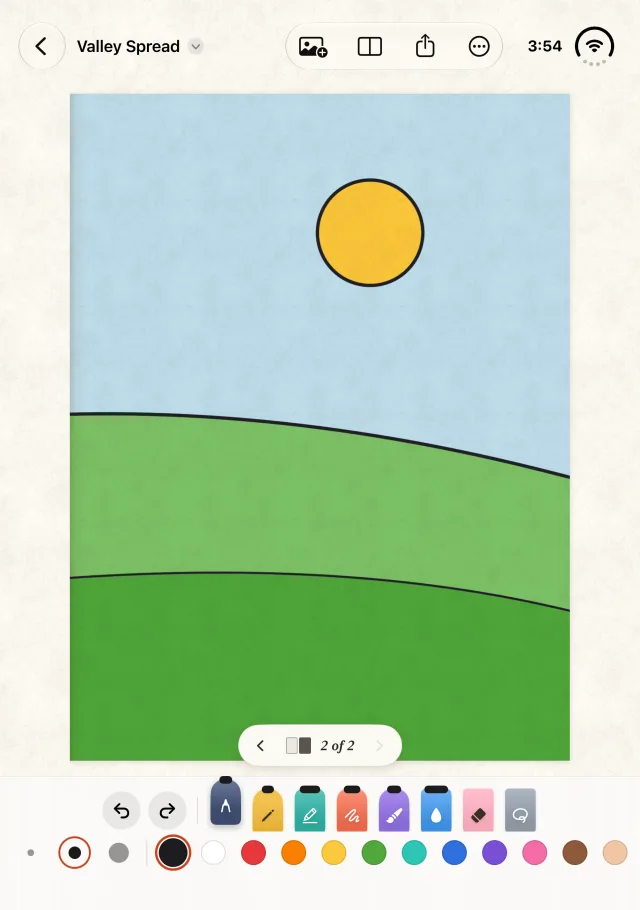
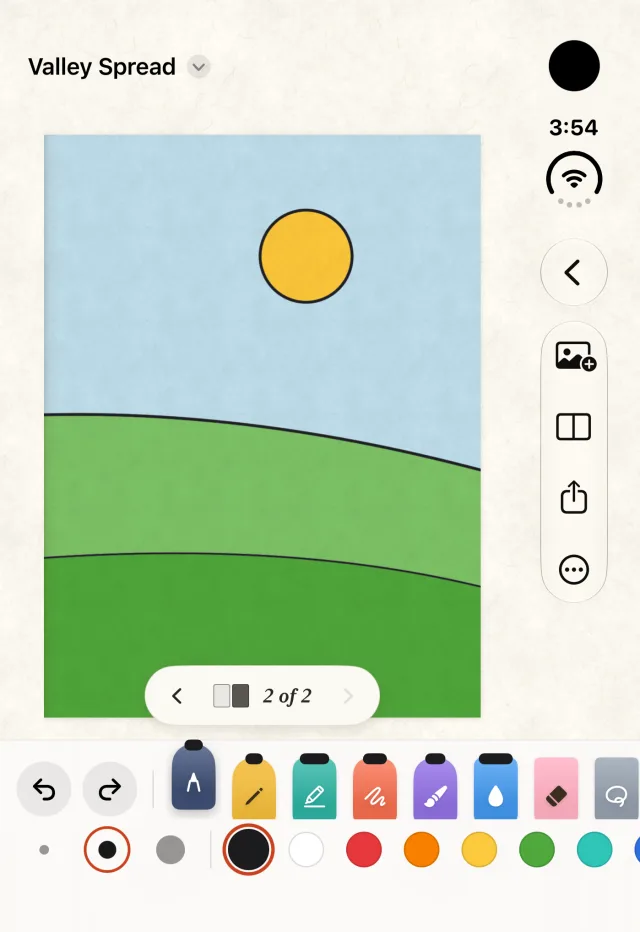
Inkfold is a sketchbook app for iPhone, made first for the foldable iPhone and Apple Pencil. It works with a finger too. A spiral-bound book with real paper grain, and facing pages that open across the screen and follow the fold.
The book
Paper, spiral and a fold.
- Real paper grain. A spiral-bound book that feels like paper.
- Facing pages. They open across the screen and follow the fold.
- One page when upright, with a page-turn tab.
- Pencil or finger. Made first for Apple Pencil, and a finger works too.
- Time-lapse replay of how a drawing came together.
- PNG export to Photos or the share sheet.
Tools and photos
Draw, trace and colour.
- Pen, pencil, marker, crayon, watercolor, eraser and lasso, in three sizes and twelve colours.
- Hold to snap shapes and mirror drawing.
- Trace a photo under the page, with a strength slider.
- A reference photo beside the page.
- Colouring pages. Turn a photo into line art and fill it with the paint bucket. The eyedropper picks colours from the photo.
Inkfold is $4.99 one time, with no subscription, and needs iOS 27.1 or later. It is made by Kevin Champlin, who draws as a hobby while listening to music. Read the privacy policy.
Support
Questions or trouble with Inkfold?
Write to kevin@champlinenterprises.com and a person will answer.
Do I need an Apple Pencil?
No. Inkfold was made first for the foldable iPhone (iPhone Duo) and Apple Pencil, but it works with a finger too.
How much does Inkfold cost?
$4.99, one time. There is no subscription.
Which iPhones does it run on?
Inkfold needs iOS 27.1 or later. It is made first for the foldable iPhone, where the two pages open across the screen and follow the fold. On an upright phone it shows one page with a page-turn tab.
Where are my sketches stored?
Only on your iPhone, in the app’s own storage. Inkfold has no account and makes no network connection. Delete the app and the sketches go with it. Export a PNG to Photos or the share sheet whenever you want a copy.
How do I turn a photo into a colouring page?
Choose a photo and Inkfold turns it into line art. Fill it with the paint bucket, and use the eyedropper to pick colours straight from the photo.