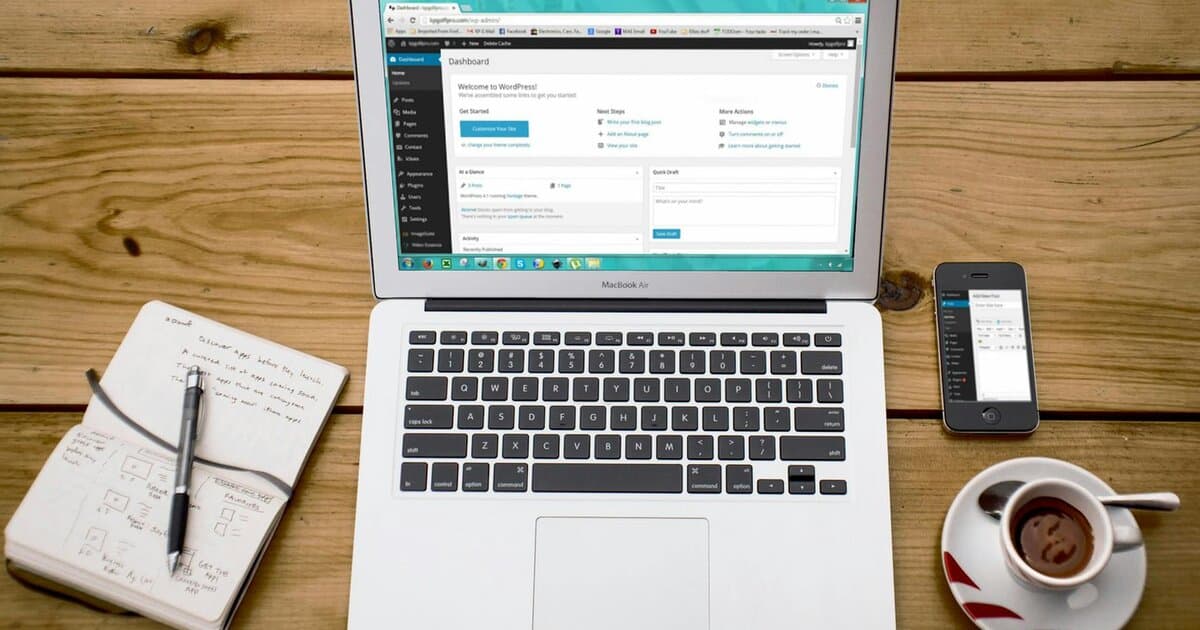
WordPress Multisite is a powerful feature allowing you to run multiple sites from a single WordPress installation. However, managing security for a multisite network can be challenging. This post explores best practices and strategies for securing a WordPress Multisite setup, helping you safeguard against common vulnerabilities.
- Understanding Multisite Security
- User Role Management in Multisite
- Network-Level Security Measures
- Plugin and Theme Management
- Backup and Recovery Strategies
- Continuous Monitoring and Updates
Understanding Multisite Security
WordPress Multisite involves multiple sites sharing the same core files, database, and plugins. This shared infrastructure can be a double-edged sword when it comes to security. While it simplifies updates and management, it also means that a vulnerability in one site can potentially affect the entire network.
To effectively manage this, understanding the architecture is crucial. Multisite networks differ from single installations in user management and permissions, table structure, and plugin activation levels. Engineers must be aware of these nuances to implement security controls effectively.
Security for WordPress Multisite starts with choosing the right hosting environment. Opt for managed WordPress hosts that offer built-in security features such as malware scanning and firewall protection specific to multisite networks. Providers like Kinsta or WP Engine are popular for their multisite-specific offerings.
User Role Management in Multisite
One of the key aspects of securing a WordPress Multisite network is user role management. Since users can have different roles across the network, it’s essential to assign roles carefully. WordPress Multisite allows for various roles, from Super Admin to individual site admins, with varying levels of access and capabilities.
Ensure that only trusted users are given the Super Admin role. This role has the highest level of access and can make changes affecting the entire network. For individual site admins, limit permissions to what’s necessary for them to manage content effectively without accessing network-level settings.
Implementing plugins like User Role Editor can help customize roles and capabilities across the network. This fine-grained control prevents privilege escalation and mitigates risks associated with unauthorized access.
Network-Level Security Measures
Network-level security involves measures that protect the entire multisite network rather than individual sites. SSL encryption is fundamental. Use Let’s Encrypt to enable HTTPS across all sites in the network, ensuring data is encrypted in transit.
Another crucial step is configuring network-wide security plugins. Plugins such as Wordfence or Sucuri offer firewall protection, malware scanning, and login security features tailored for WordPress. Ensure that these plugins operate at the network level to provide consistent security across all sites.
Additionally, consider implementing rate limiting and IP whitelisting at the server level using tools like Fail2ban. These measures protect against brute force attacks and unauthorized login attempts, a common vulnerability in multisite networks.
Plugin and Theme Management
In a multisite network, plugins and themes are shared resources. Mismanagement here can lead to security risks. First, ensure that all plugins and themes are kept up to date. Updates often include patches for known vulnerabilities.
Deactivate and uninstall any plugins or themes not actively in use. Each installed item is a potential attack vector, so minimizing the number of plugins reduces the risk surface. Also, vet plugins and themes thoroughly before installation. Choose those with a track record of regular updates and active support.
If custom plugins or themes are necessary, invest in security audits by experienced engineers. This will help identify potential vulnerabilities unique to your custom code, ensuring it doesn’t become a weak link.
Backup and Recovery Strategies
No security strategy is complete without robust backup and recovery mechanisms. For multisite, opt for backups that can handle network setups. Backup plugins like UpdraftPlus or BackupBuddy offer multisite support, ensuring that entire networks, including databases and files, are backed up regularly.
Implement a redundant backup strategy with both onsite and offsite backups. This dual approach ensures data redundancy and quick recovery options in the event of a breach.
Test recovery processes regularly. A backup is only as good as its recovery plan, so simulate recovery scenarios to ensure that backups are comprehensive and functional.
Continuous Monitoring and Updates
Maintaining security in a WordPress Multisite environment requires continuous monitoring. This involves regular audits of user roles, plugin activity, and unusual site behavior. Incorporate automated tools for monitoring, such as New Relic or UptimeRobot, to alert you to anomalies in real-time.
Regular updates to WordPress core, themes, and plugins are imperative. Subscribe to security blogs and forums to stay informed about the latest vulnerabilities and patches relevant to WordPress Multisite.
Lastly, engage with a seasoned engineering partner like Champlin Enterprises for an audit or ongoing security management. Our Sprint, Build, or Fractional engagements can provide the expertise needed to maintain a secure and resilient multisite network.
Effective multisite security prevents data breaches and downtime that can disrupt your business operations. If you’re facing challenges with your network security, consider applying for an engagement. Our application takes ten minutes, and Sprint engagements start at $10K.